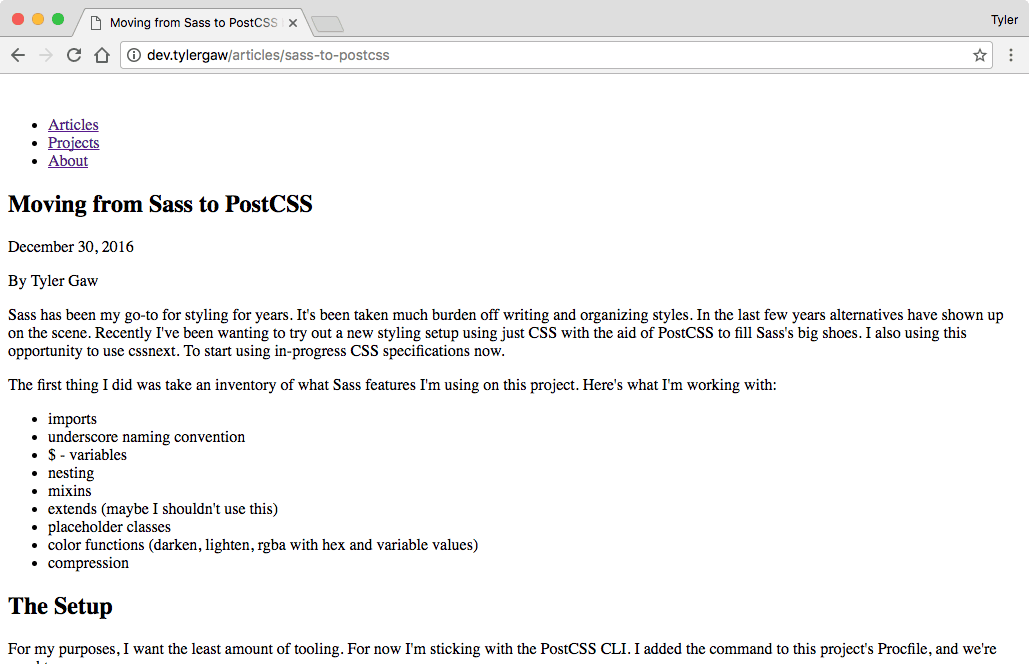
Sass has been my go-to for years. But for a while now, I've wanted to try a new styling setup with PostCSS and the cssnext plugin. I love the idea of writing future CSS syntax today and using tooling more aligned with other tools I'm used to. This personal site is a perfect test bed to try this new setup.
The first step I took was an inventory of my Sass usage. I needed to know what features I was using to make sure I found a replacement in the new setup. Here's a list of what I was using on this project:
darken and rgba color functions
Before getting to new syntax or other fun I needed to do some yak shaving. The project was using a file structure typical for Sass usage. I used the leading underscore naming convention for partials. And included the required scss extension. I used two directories to loosely organize Sass files. modules housed Sass that didn't produce CSS. Things like variables, placeholder classes, and mixins. partials housed all CSS-producing Sass.
This was the beginning file structure:
css/
  scss/
    modules/
      _module.scss
      ...
    partials/
      _partial.scss
      ...
    tylergaw.scss
Each Sass partial gets imported in tylergaw.scss.
@import "modules/setup";
@import "modules/reset";
@import "modules/fonts";
I reorganized and renamed the files. I first changed the extension from scss to css. Instead of doing it a file at a time, I used a Bash script:
for f in *.scss; do git mv -- "$f" "${f%.scss}.css"; done;
Because the leading underscore is from the Sass world I also removed that. I couldn't figure a way to do it with Bash so I removed it from each file by hand. (note to self; learn how to Bash better)
The last step was to move all the CSS files to the modules directory and remove the partials directory. I decided referring to all CSS as modules made more sense than trying to split them along the modules/partials line.
I started with the PostCSS CLI. I added a temporary build script to package.json:
"scripts": {
  "postcss": "postcss -o public/css/tylergaw.css src/css/tylergaw.css"
}
Without changing any styles I compiled the CSS:
npm run postcssIt worked! Sorta. I didn't get errors in the console, but it left me with a naked page on the wrong day.
With the build process functional I could now work to get the styles back in order.
Looking at the console in Chrome I saw a stack of 404s. This revealed the first missing feature; @import inlining. tylergaw.css contains only @imports for each CSS module. The browser saw those and did what it knows to do. It attempted to load each module via an HTTP request. My build process only copies the single CSS file, not each module. Because of that, the browser couldn't find them.
I could change the build process to make default @imports work, but that would be inefficient. I needed a replacement for Sass style @import inlining.
To get Sass-style @imports I used the postcss-import plugin. After installing the module via npm I updated the build script to use it:
"scripts": {
  "postcss": "postcss -u postcss-import -o public/css/tylergaw.css src/css/tylergaw.css"
}
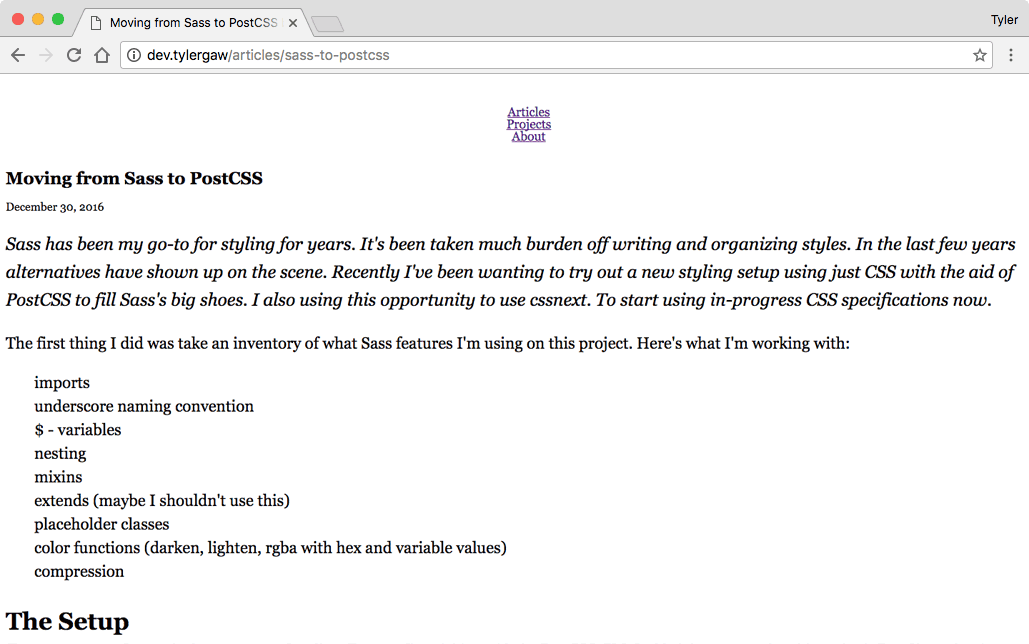
And ran the script again with npm run postcss. The single CSS file contains all the modules and the site now has partial styling.
The inlining of @imports was huge when it showed up in Sass. It's changed how we're able to organize styles for the better. I'm not sure this functionality will ever be native in though. It seems like we'll always need a build step for this type of functionality. Which doesn't seem all that bad.
I imagine the postcss-import plugin will be a staple for all my future PostCSS setups. My guess is this will be true for other folks too. This quote from the plugin author sounds right on:
This plugin should probably be used as the first plugin of your list. This way, other plugins will work on the AST as if there were only a single file to process, and will probably work as you can expect.
postcss-import
cssnext is a PostCSS plugin for compiling future CSS syntax to syntax that works today. It's important to note that it's not a different language like Sass or Less. The features it offers are in-progress CSS specs. Some for features already showing up in browsers today. Others in beginning stages of the specification process.
I used cssnext to fill in the rest of the gaps left by missing Sass features.
I built this site before I knew about Autoprefixer. I used custom Sass mixins to handle adding the needed prefixes. cssnext includes Autoprefixer, so I was able to remove that entire mixins module.
Next I changed the Sass variables to CSS custom properties. In _setup.scss I had:
$grey: #1e1e1d;
$yellow: #ffad15;
$offwhite: #f8f8f8;
$darkerwhite: darken($offwhite, 15);
This isn't all the Sass vars I was using, but it's the main ones. The rest are in individual modules.
Note: The “custom properties” vs. “variables” distinction. CSS custom properties are only valid for property values. They can't be used in selectors, property names, or media query values.
The updated setup.css:
:root {
  --white: #fff;
  --grey: #1e1e1d;
  --yellow: #ffad15;
  --offwhite: #f8f8f8;
  ...
}
and an example of updated usage:
a {
  color: var(--yellow);
}
Apart from syntax, CSS custom properties work the same as Sass variables. Because of limited browser support, properties are still compiled out. In the above example, the compiled value is color: #ffad15.
In the previous example, I left out one variable; $darkerwhite: darken($offwhite, 15);. This is another Sass feature I needed a replacement for. There's a draft spec for a CSS color function. cssnext includes this function today and it's super cool. Here's setup.css with a darkerwhite custom property created with the color function and shade adjuster:
:root {
  ...
  --offwhite: #f8f8f8;
  --darkerwhite: color(var(--offwhite) shade(20%));
  ...
}
The color function provides a bunch of adjusters. You can use multiple adjusters in a single usage:
background-color: color(#d32c3f shade(40%) alpha(40%));compiles to:
background-color: rgba(127, 26, 38, 0.4);
To reiterate. Right now cssnext compiles the result of color() to hex or rgba values. When the color function arrives in browsers, the compilation won't be necessary. The color manipulation can happen at runtime.
Nesting is an indispensable feature introduced by CSS preprocessors. A must for any comfortable styling setup. Tab Atkins has a spec in-progress for CSS nesting and cssnext makes it available today.
This was mostly legwork. The CSS syntax for nesting includes a leading & before nested blocks. For example, the following is a Sass snippet from my Projects page:
.projects-list {
  ...

li {
& > div {...}
}

a {
...

    &:hover,
    &:focus {...}

    &::after {...}

}

@media (min-width: 640px) {...}
}
For CSS nesting, I changed that to:
.projects-list {
  ...

& li {
& > div {...}
}

& a {
...

    &:hover,
    &:focus {...}

    &::after {...}

}

@media (min-width: 640px) {...}
}
Basic nesting requires the leading &. Pseudo classes and selectors are the same in Sass and CSS. Media queries don't need a leading &.
Also worth noting is @nest. As mentioned in the docs, complex nesting requires @nest instead of &. I didn't have any use cases for it on this project, but may in the future.
I was using Sass @extend and placeholder classes for common styles. Here's an example usage responsible for styling Futura headings:
%futura {
  font-family: 'futura-pt', helvetica, sans-serif;
}

%futura-heading {
@extend %futura;
font-weight: 700;
line-height: 1.1;
text-transform: uppercase;
}
and an example usage:
.my-heading {
  @extend %futura-heading;
}
We looked at CSS custom properties usage earlier. There's a related in-progress spec for the @apply rule. @apply allows you to store a set of properties and reference them in selectors. I used @apply in place of Sass's extend.
Back in setup.css I added the updated Futura heading properties:
:root {
  ...

  --franklin: {
    font-family: 'futura-pt', helvetica, sans-serif;
  };

  --franklin-heading: {
    @apply --franklin;
    font-weight: 700;
    line-height: 1.1;
    text-transform: uppercase;
  };
}
and an example usage:
.my-heading {
  @apply --franklin-heading;
}
@apply is not extend. In the current form in cssnext, @apply copies the properties and values to each rule. This is a small project so that's OK. On larger projects the extra properties may cause too much bloat. At that time it would probably be best to use a common class name to get similar results.
At this point I had the site looking as it did before the changes. The Projects page was an exception. On it I used a different color for each project tile. Next I'll describe how styling that correctly without Sass required more work and more typing.
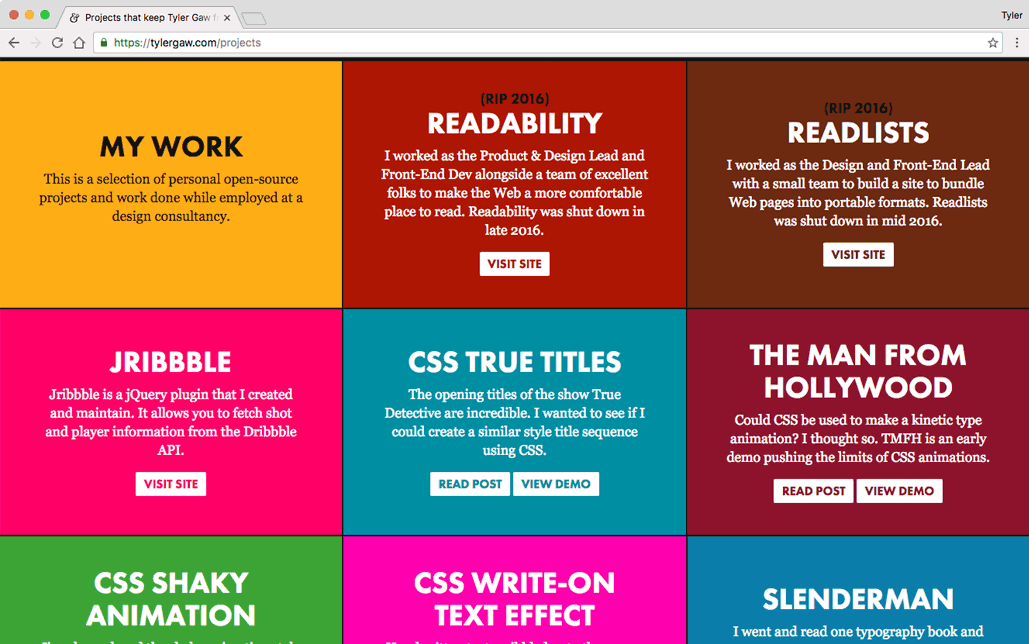
To make writing the projects styles easier I used a Sass mixin. The mixin took a single argument, the color for the tile. Here's the project-block mixin:
@mixin project-block ($c) {
  background-color: $c;

  a {
    color: $c;

    &:hover {
      background-color: $c;
      color: $offwhite);
    }
  }
}
and example usage:
.p-jribbble {
  @include project-block(#ff0066);
}
At the time of this writing, I couldn't find a way to mimic this functionality in CSS. Custom property sets with @apply aren't functions, so you can't pass them arguments. In the future, it might be possible to use custom selectors for argument magic. The draft spec has a complex example that looks promising. Right now, I'll admit, I don't fully understand how it works.
That didn't mean I was out of luck. The CSS I write is longer than the Sass, but not by much. I also made use of another in-progress CSS feature; the matches selector.
Here's an example of the CSS replacement for the project-block mixin:
.p-jribbble,
.p-jribbble a:matches(:hover, :focus) {
  background-color: var(--color-jrb);

& a {
color: var(--color-jrb);
}
}
The color variables are in a :root scope earlier in the file. cssnext compiles the above CSS to:
.p-jribbble,
.p-jribbble a:hover,
.p-jribbble a:focus {
  background-color: #ff0066
}

.p-jribbble a,
.p-jribbble a:hover a,
.p-jribbble a:focus a {
color: #ff0066;
}
The last two selectors ...a a:hover and ...a a:focus won't match any elements. They're unecessary, but aside from a few more bytes they don't hurt anything. I preferred nesting the a selector for code readability.
With the styles back in proper order, I decided to take advantage of more PostCSS plugins. I used css mqpacker to combine media queries that share the same query. I also used cssnano for code optimization.
This is where I'm looking forward to using a PostCSS setup. With Sass I felt locked in to the features in the current version. Because PostCSS works as a collection of plugins, it's extendible. If I have a specific need, I can write a plugin for it. The potential there is exciting.
After working with this setup for a few days, I'm all in. Making the switch from Sass syntax to new CSS syntax has been easy. And that's after five or six years of using Sass on every project I worked on.
I enjoy the shift in thinking this brings. cssnext has a similar approach to CSS as Babel has to JavaScript. They both allow you to write the language as it is and as it will be in the future.